
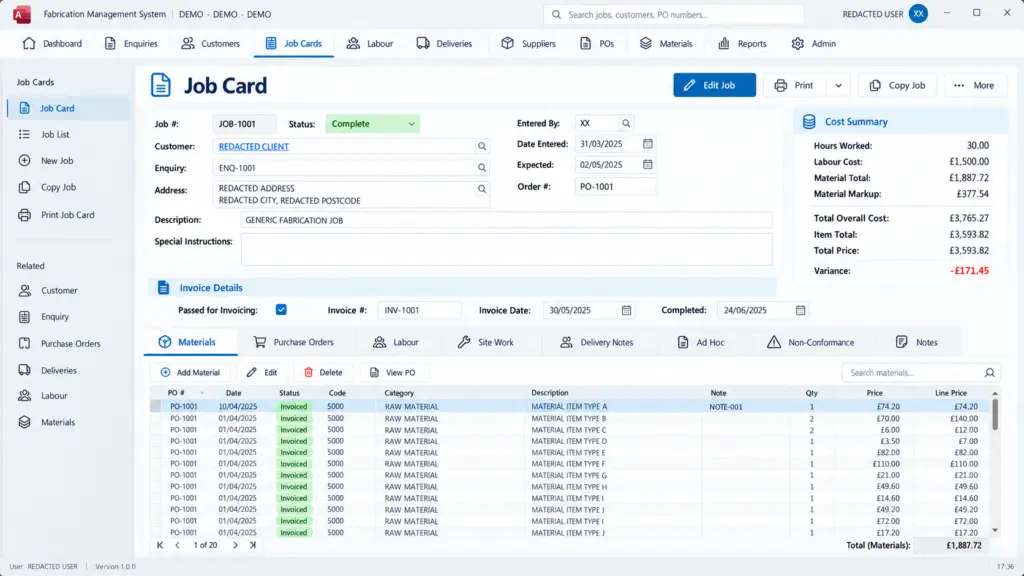
Spreadsheets can start as an easy fix. But they can quickly outgrow the system or get copied so many times no one knows which is up to date.
What most people want instead is fairly modest. One system, where things are typed in once and checked as they go in, and where anyone can find an order without ringing round.
That’s the kind of thing we build. CDE Systems has designed and built custom systems for businesses and for local and central government since 1999. Our Access database developers start with a conversation about how you work, and you get a fixed price before you commit to anything. You don’t need to know what a table or a query is, because that’s our end of it.
What it looks like now, and after
| Now | With a system built for the job |
|---|---|
| Quotes live in three spreadsheets | One place, entered once |
| Job sheets get typed up twice | Typed once, and the paperwork follows from it |
| “Where’s that order?” takes two phone calls | Anyone can look it up |
| Mistakes turn up weeks later | They get caught as they’re typed in |
We design before we build
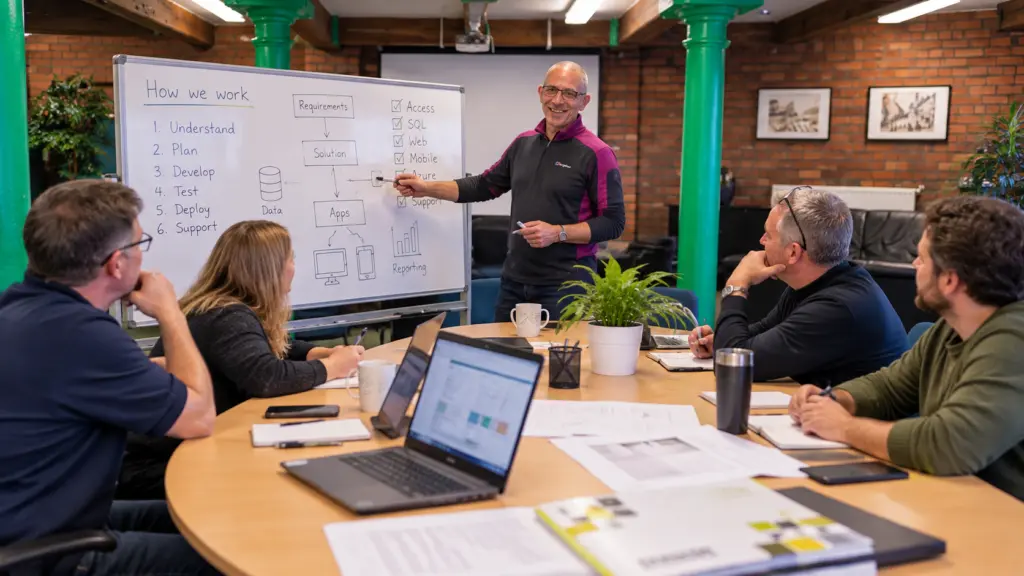
The first conversation isn’t about Access at all. We try to understand your business. We ask what gets done by hand, what gets missed, and what that’s costing you.
Then we follow a job through the business from start to finish, including the steps people have stopped mentioning because they’ve always done it that way. That usually turns up two or three things worth changing before any code gets written, and it’s where a lot of the value in a project comes from.
What we build
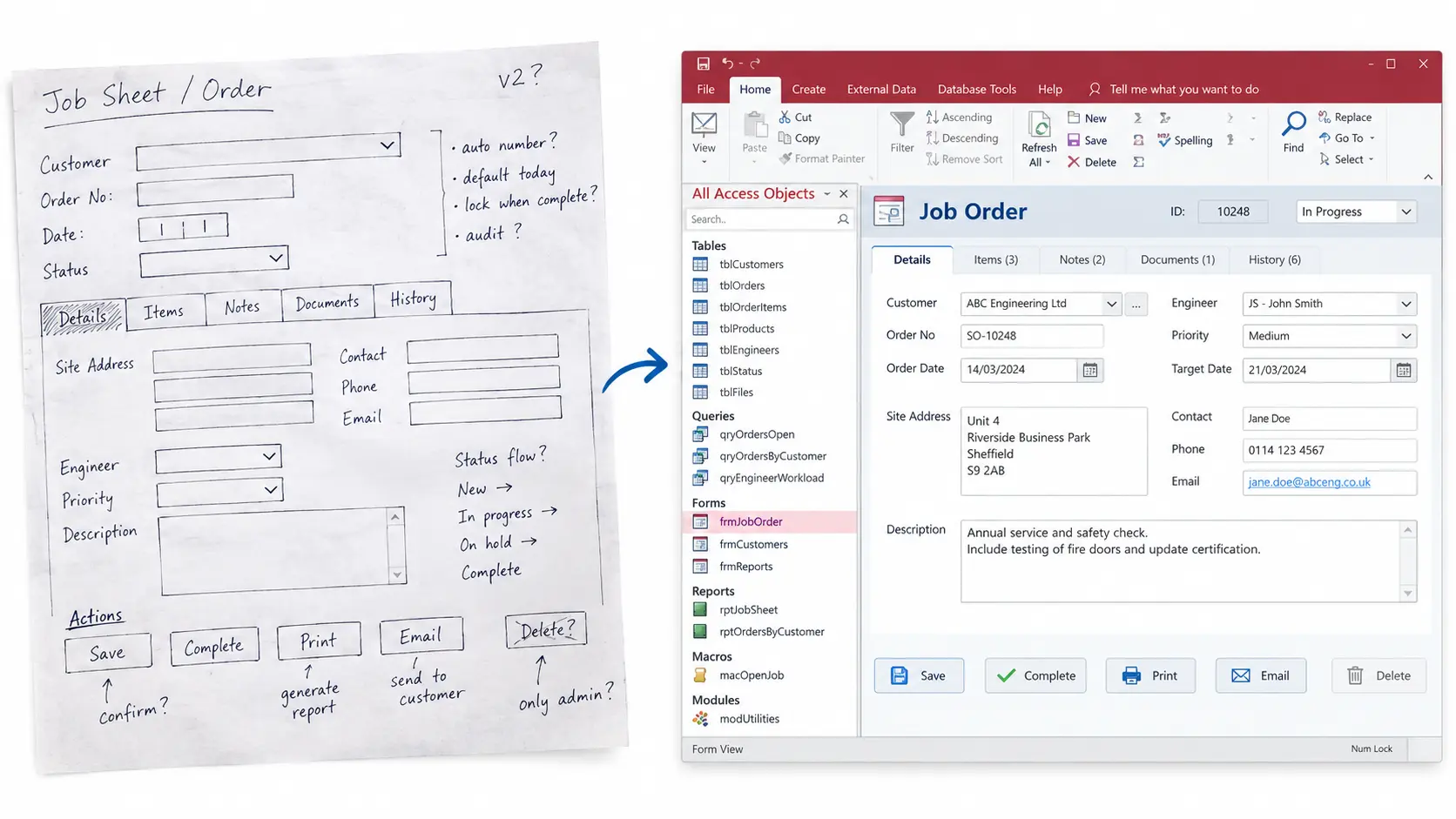
- New Access systems, where Access is the right fit. That means one site, a manageable number of users, Office already licensed, and a need for something working in weeks, not next year.
- Additions to a system you already have, such as a new module or a part of the business the database never covered.
- An Access interface over SQL Server data, so your staff get familiar forms and the data gets a heavier-duty engine underneath.
- Replacements for spreadsheets that grew, got shared and got broken.
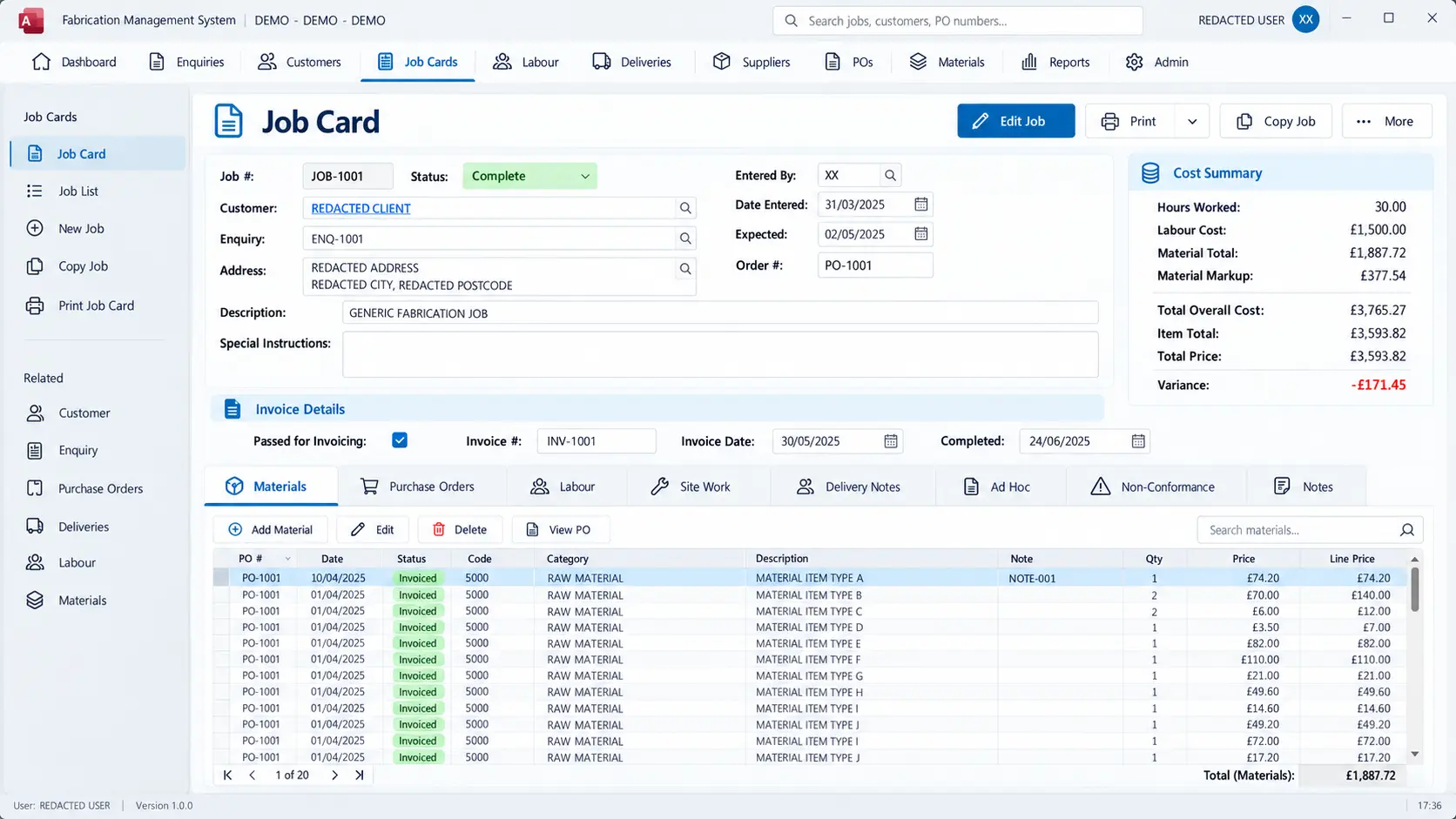
Whatever we build has to be easy for your staff to use, or it won’t get used. So the interface is laid out in the order the job is done. People who enter a lot of data can do it from the keyboard, without reaching for the mouse. And reports come out ready to send, with no tidying up in Excel first.
What you get
- A fixed scope and a fixed price, agreed before we start
- Your data, in a format you own, on your hardware or in the cloud
- Documentation of how it’s put together, so you don’t depend on us to understand your own system
- Testing with the people who’ll use it, before it goes live
- Someone to ring afterwards who remembers building it
- Software escrow if you want it, with the source code held by an independent third party
The last two matter more than they look. Most of the Access databases we get called to were built by someone who can no longer be reached, and we’d rather not become that.
Is Access the right choice?
Sometimes it is and sometimes it isn’t, and we’ll tell you which.
| Access suits | Access doesn’t suit |
|---|---|
| A single site | A lot of people in it at once |
| A modest number of users | Use from outside the office as standard |
| Office already paid for | Anything public-facing |
| A need to be up and running quickly |
If what you need is a browser-based system, that’s what we’ll quote for: bespoke database and business software. There’s more on the trade-offs in why use Microsoft Access?
Systems shaped by the people using them
When staff at Lilleker Engineering started testing their new job costing system, they spotted improvements that weren’t in the specification. We built those in before go-live, and several of the system’s best features came from that.
Bolt & Nut Manufacturing needed tighter certificate control and live job tracking. We added them to the Access system the company already had, so it kept everything that was working.
Case Studies
 Commercial Catering Service & Maintenance (field service)
Aire Valley Catering
Field service apps that work with no signal
Aire Valley Catering’s engineers work in commercial kitchens across the UK, often with no usable signal, and every job still has to be recorded. We built four production…
View case study
Commercial Catering Service & Maintenance (field service)
Aire Valley Catering
Field service apps that work with no signal
Aire Valley Catering’s engineers work in commercial kitchens across the UK, often with no usable signal, and every job still has to be recorded. We built four production…
View case study
 Transport and logistics
ACC Worldwide
A faster SQL Server system, noticed on day one
ACC Worldwide’s staff used one business system all day, every day, and it was slow. We worked on the SQL Server environment behind it. The speed-up was immediate,…
View case study
Transport and logistics
ACC Worldwide
A faster SQL Server system, noticed on day one
ACC Worldwide’s staff used one business system all day, every day, and it was slow. We worked on the SQL Server environment behind it. The speed-up was immediate,…
View case study
 Travel and leisure (adventure travel and expeditions)
Jagged Globe
Keeping bookings, customer records and the website in step
Jagged Globe runs on an internal database and a booking website that have to agree every day, and sometimes they didn’t. We traced and fixed the transfers between…
View case study
Travel and leisure (adventure travel and expeditions)
Jagged Globe
Keeping bookings, customer records and the website in step
Jagged Globe runs on an internal database and a booking website that have to agree every day, and sometimes they didn’t. We traced and fixed the transfers between…
View case study
Tell us what the business needs to do
You don’t need to know what the interface should look like. Tell us what gets done by hand, what goes wrong, and who it affects. You’ll hear back on whether that calls for a new Access system, an addition to what you have or something else, and what it would cost before you commit.