
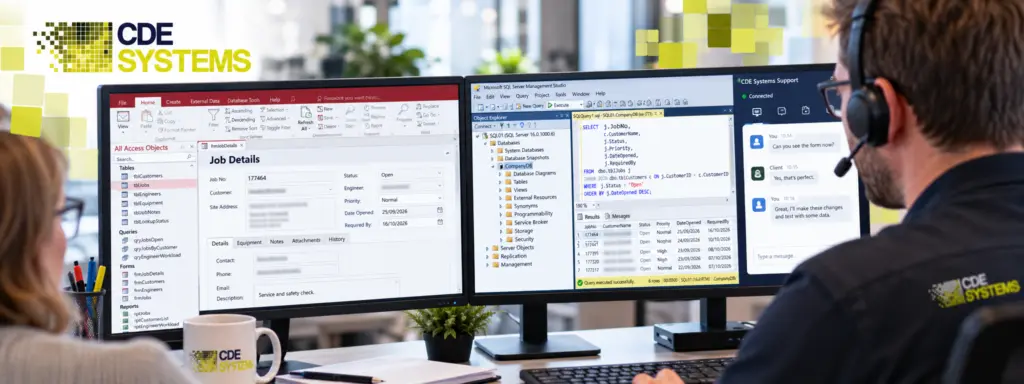
Letting an outside firm onto your systems should feel like a decision, and it’s reasonable to want to know exactly what happens first.
With CDE Systems, you watch the whole session and can end it at any time. When it’s over, nothing of ours is left on your machine, and your data never leaves your systems. You stay in control throughout, and the diagnosing and fixing can be ours.
Ring first, and we’ll talk you through it.
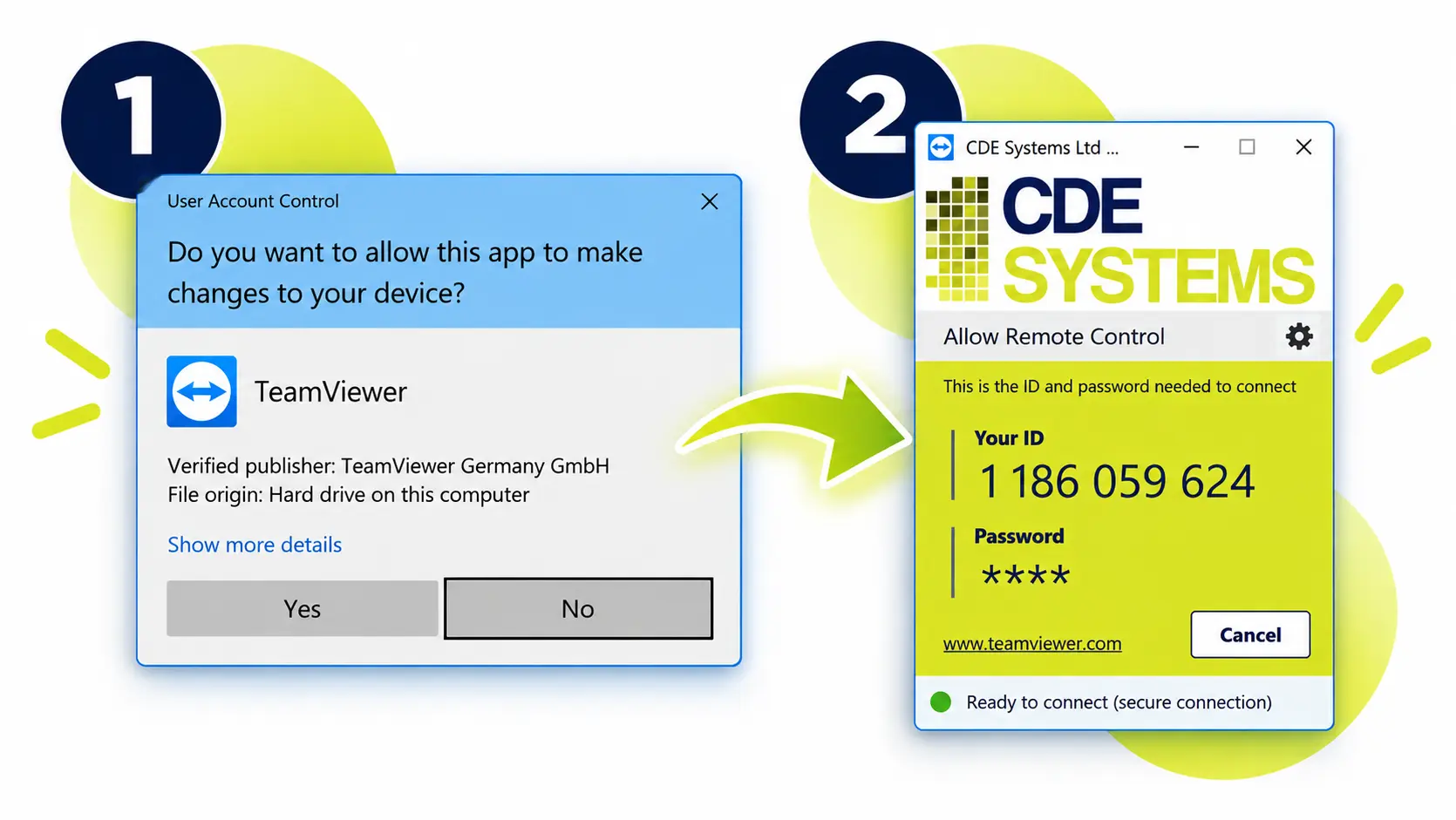
Two steps
- Run the remote support program. There’s nothing to install. It opens, gives you a code, and closes again when we’re done.
- Read us the code while we’re on the phone. We connect, and you watch what we do.
You don’t need an account, there’s no software left to maintain, and there’s no ticket to raise first.
The two steps to start a remote support session: run the program, share the code
While we’re connected
It happens in front of you. Every session is attended unless we’ve agreed otherwise. Whatever we do, you see it happen on your own screen.
You can end it yourself. Closing the program cuts the connection straight away, without asking us.
We leave nothing installed. There’s no background service and no way back in later. The next session starts the same way, with you running the program.
The link is encrypted from end to end.
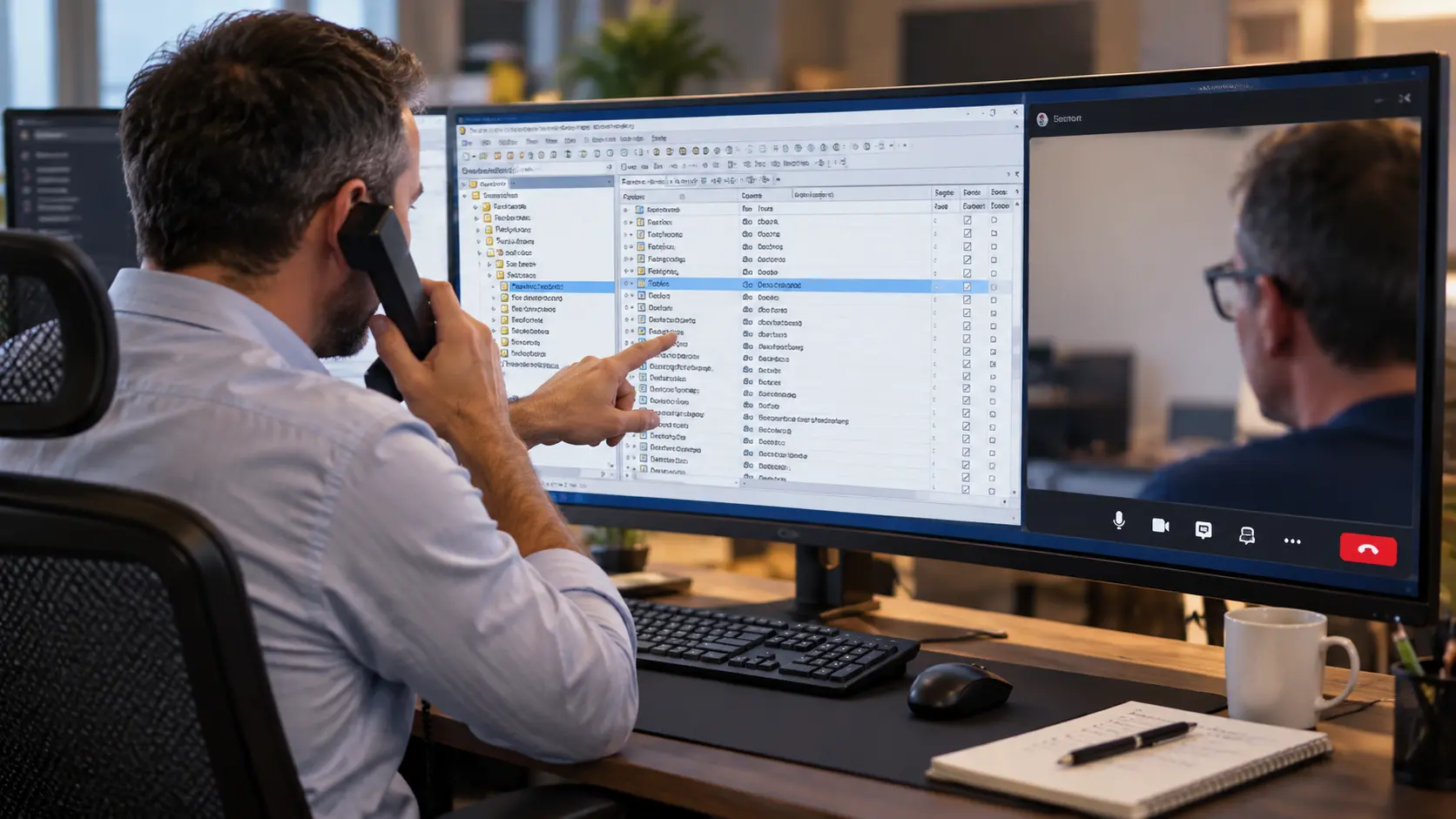
We talk you through it. We’re on the phone for the whole session, so you know what we’re doing and why, and you can ask us to pause and explain.
Where your data goes
It stays put. We work on your machines, and we don’t take a copy of the database away to examine it.
Occasionally there’s a good reason to move something, and we’ll always ask before we do. A badly corrupted file may need specialist recovery tools, for example, or a rebuild may need more space than your server has. You’ll know what’s being taken and why, where it will be held, and when it’s deleted.
Working to your IT policy
If your policy needs something specific, say so and we’ll work to it. That might be a named engineer or an agreed time window. It might be someone from your side supervising, or a written record of what was changed. We do this with IT departments regularly, and your team keeps the final say over what happens on its systems.
Talk to us about your IT requirements
What we can do remotely
Nearly everything we’re asked to do.
- Track down why a system is slow, freezing or throwing errors
- Bring back a corrupt Access file, or a SQL Server database that won’t come online
- Put right a form, report or query that has stopped working
- Add new features or changes to an existing system
- Move the data from an Access back end onto SQL Server
- Set up backups, and restore one to prove they work
- Check a server and give you a written list of what needs attention
- Train one of your team over the same connection, using your own system
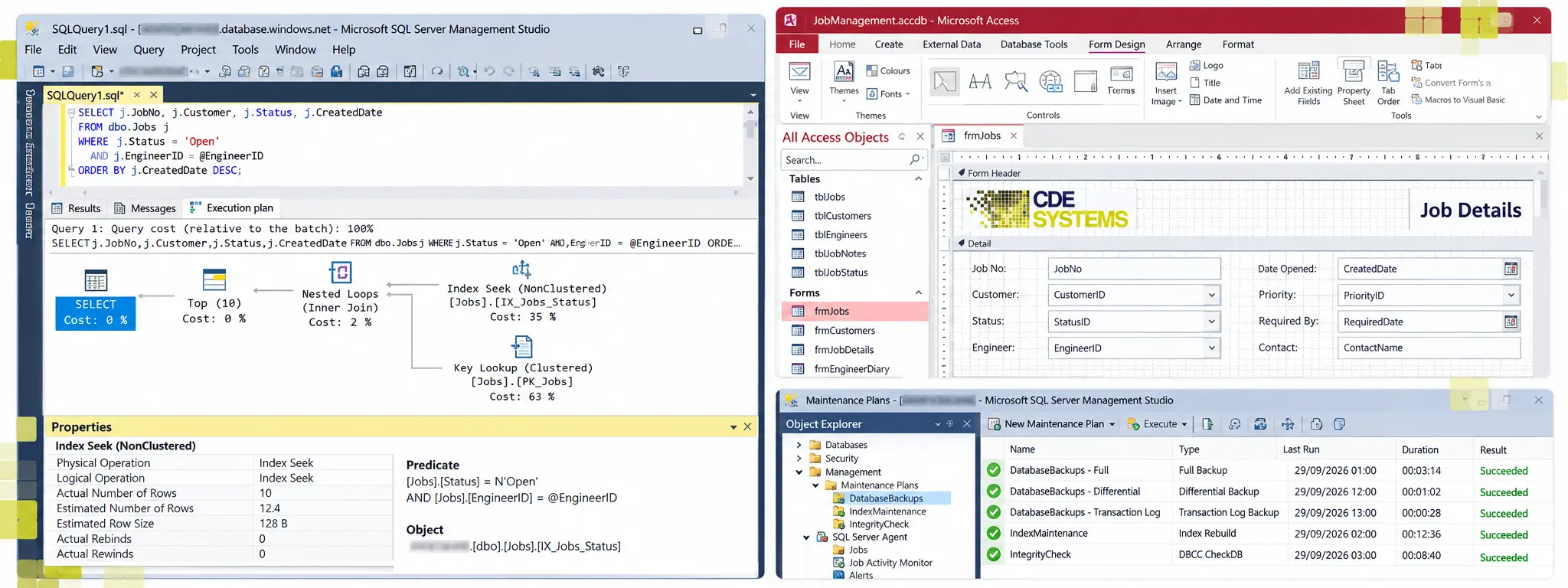
Examples of database work carried out over a remote support session
Out of hours, when the system needs to be empty
Some jobs need everyone out of the database first. Migrations, big structural changes and rebuilding indexes on large tables are the usual ones.
Those happen in the evening, early in the morning or at the weekend, so the work doesn’t eat into your day. Beforehand, we agree whether you’d like to be on the call. If not, we work unattended and send a written note of what was done.
When remote won’t do
Remote isn’t always the answer, and we’d rather say so early. It can’t help when a machine won’t start, when the fault is in the network or the hardware, or when the system is deliberately kept off the internet. In those cases we work with your IT team by phone, or come to you.
Ongoing support, with people who know your system
Plenty of people only ever need one fix, and that’s fine. The clients who have stayed with us for fifteen or twenty years are on ongoing support, and the reason is continuity.
The people you speak to already know your database. They know its quirks, and the decision someone made in 2011 that everything now relies on. You don’t have to explain your business from the start each time.
An ongoing arrangement usually covers:
- Help by phone and remote session when something goes wrong
- Changes and small additions as the business changes
- Backups tested by restoring them, so a bad one is found by us, not by a disaster
- Regular checks on the health of the database and server
- Early warning of trouble ahead, such as a drive running out of space or a version nearing end of support
Clients we support this way
 Commercial Catering Service & Maintenance (field service)
Aire Valley Catering
Field service apps that work with no signal
Aire Valley Catering’s engineers work in commercial kitchens across the UK, often with no usable signal, and every job still has to be recorded. We built four production…
View case study
Commercial Catering Service & Maintenance (field service)
Aire Valley Catering
Field service apps that work with no signal
Aire Valley Catering’s engineers work in commercial kitchens across the UK, often with no usable signal, and every job still has to be recorded. We built four production…
View case study
 Transport and logistics
ACC Worldwide
A faster SQL Server system, noticed on day one
ACC Worldwide’s staff used one business system all day, every day, and it was slow. We worked on the SQL Server environment behind it. The speed-up was immediate,…
View case study
Transport and logistics
ACC Worldwide
A faster SQL Server system, noticed on day one
ACC Worldwide’s staff used one business system all day, every day, and it was slow. We worked on the SQL Server environment behind it. The speed-up was immediate,…
View case study
 Travel and leisure (adventure travel and expeditions)
Jagged Globe
Keeping bookings, customer records and the website in step
Jagged Globe runs on an internal database and a booking website that have to agree every day, and sometimes they didn’t. We traced and fixed the transfers between…
View case study
Travel and leisure (adventure travel and expeditions)
Jagged Globe
Keeping bookings, customer records and the website in step
Jagged Globe runs on an internal database and a booking website that have to agree every day, and sometimes they didn’t. We traced and fixed the transfers between…
View case study
Need someone to look at it now?
Ring and speak to the person who’ll do the work. If remote is the right route, we can usually be connected within minutes. If it’s an outage, the emergency pages say what to do first.