
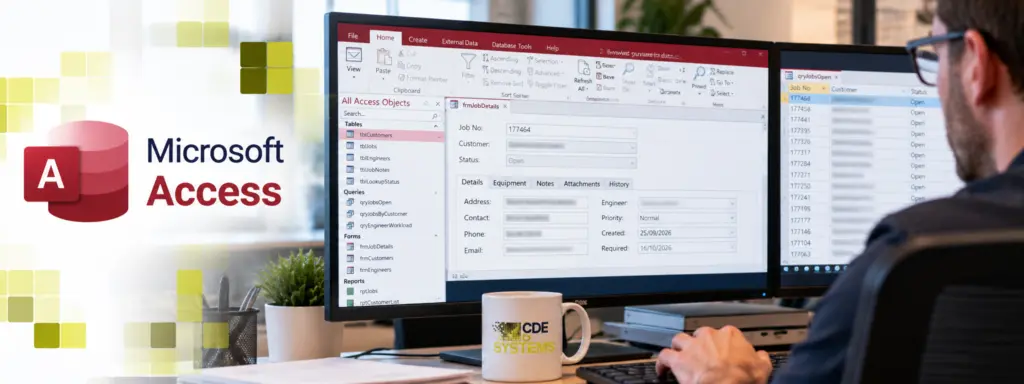
We’ve seen it time and time again. Your business relies on Microsoft Access, but the person who built the system has left. So when a report breaks or the database throws an error, the problem lands on your desk.
The whole point of an Access database is that it just works and lets the business get on with its job. Getting yours back to that, and keeping it there, is what we do.
CDE Systems has provided Microsoft Access support since 1999. When you ring, you speak to a developer who works in Access every week and who’ll get to know your database, so you can go back to running the business.
The sort of thing people ring about
- A report that has worked for years has started giving the wrong figures
- An error that only ever appears on one person’s PC
- It was fine on Friday, and then Windows or Office updated over the weekend
- Searches and forms that everyone has learned to wait for
- The business has changed and the database hasn’t, because there’s no one to ask
- A new starter needs setting up, and the instructions left with the last developer
If a few of those are yours, you’re in good company. Most of the systems we look after weren’t built by us. Somebody set them up years ago, the business grew around them, and when that person moved on the knowledge went too. Nobody did anything wrong. It’s what happens to a system that has been useful for a long time.
What it’s like once we look after it
Say a report comes out wrong on a Tuesday morning. You ring us, and the person who picks up already knows your database, so there’s no explaining it from scratch. A lot of the time we can connect and look at it while you’re still on the phone.
The less dramatic things get done as well, like the change finance has been asking for, or the new starter who needs setting up. After a while the database goes back to being something you don’t have to think about, which is how it should be.
How we get there
- We start by learning your database. Where the data sits, what the forms and queries are really doing, what has been hard-coded, and what’s most likely to cause trouble next. We write that up in plain English and the write-up is yours.
- After that, you’ve got someone to ring. It’s a small team, so you get the same people each time, and they already know how your system fits together.
- We do changes as well as fixes. Most calls aren’t about something breaking. They’re about a report finance wants, or an extra field on a form, or a process that has moved on since the database was built. Small changes usually go through in days. Bigger ones we scope and price first, so you can decide whether they’re worth it.
- We keep an eye on the things that cause outages. Are the backups restoring, or only running? How close is the data file to Access’s 2GB limit? Are there early signs of corruption? A backup that has never been restored is a hope, not a backup.
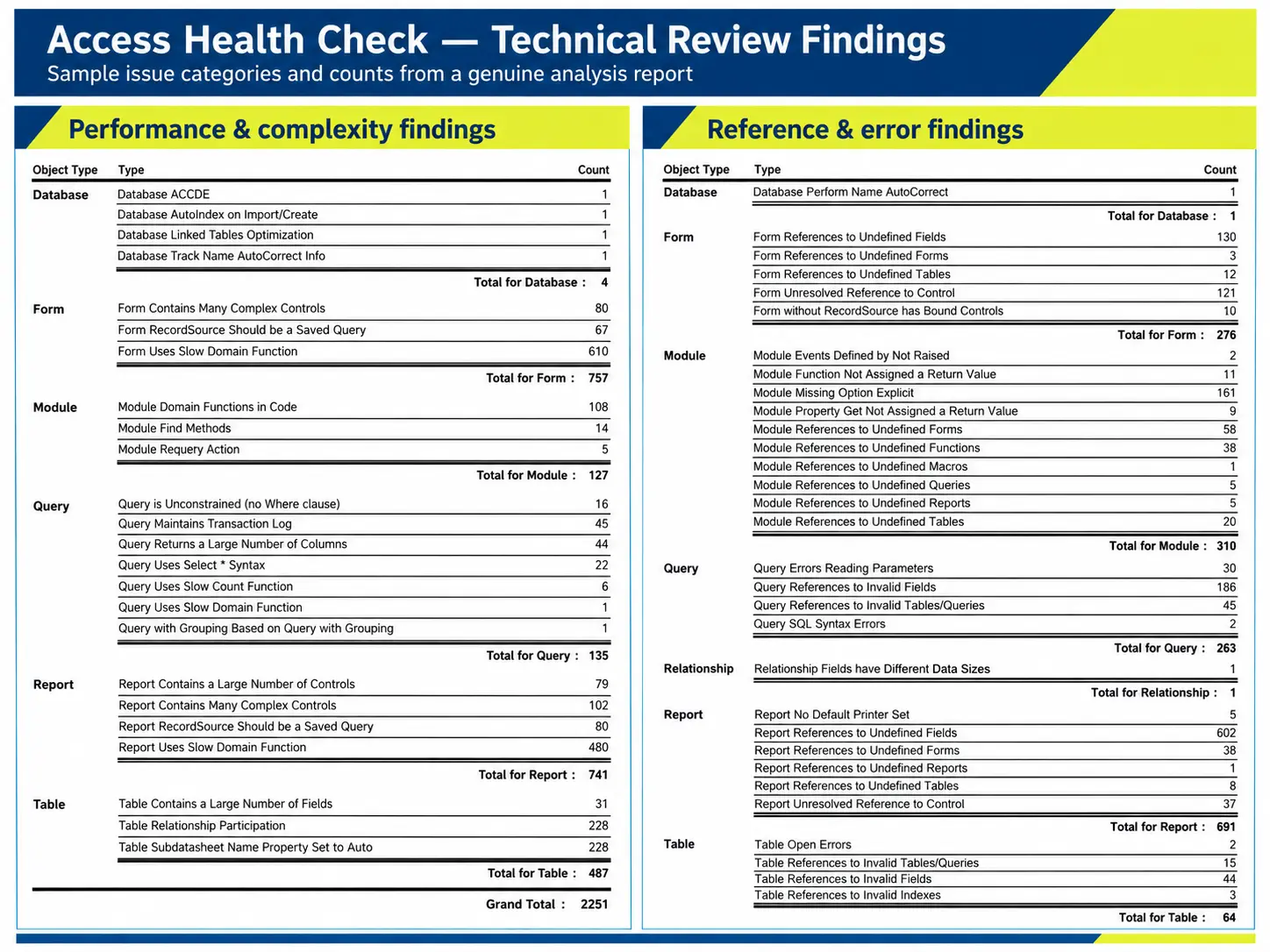
You get the findings in writing
We document how your database works, what needs attention, and what we recommend doing next. The write-up belongs to you.
How it’s charged
You can do this three ways.
- As and when. You ring when you need us and pay for the time, with no ongoing commitment.
- A support agreement. An agreed amount of time each month, a response commitment, and priority over as-and-when work.
- Managed. We take responsibility for keeping it running, which means monitoring, maintenance, and backups checked by restoring them.
If you don’t know which suits you, ring anyway. The first conversation is free, and a lot of people only want a rough figure to begin with.
It stays your system
Handing us the work doesn’t mean handing us control. The write-up of how your database works belongs to you, and so does the data. You decide what gets changed and what doesn’t. If you ever want to take the work somewhere else, all of it goes with you.
Will you tell me to replace it?
No. Access is a perfectly sensible place to keep a business system, and we’d sooner support yours than talk you into a rewrite.
It does have limits. Too many people in it at once is one, a data file getting close to 2GB is another, and so is staff needing it when they’re not in the office. Even then the answer is usually less drastic than people expect. The data can move to SQL Server while the interface stays exactly as it is (Access migration and upgrades), or we can add a web or mobile interface to the database you’ve already got (Access modernisation).
And if the right thing is to leave it alone for now, we’ll tell you that.
From people we support
Work is always completed to a high standard, on time and to budget. We always appreciate their patient, friendly and reliable service too.
Aire Valley Catering
Case Studies
 Commercial Catering Service & Maintenance (field service)
Aire Valley Catering
Field service apps that work with no signal
Aire Valley Catering’s engineers work in commercial kitchens across the UK, often with no usable signal, and every job still has to be recorded. We built four production…
View case study
Commercial Catering Service & Maintenance (field service)
Aire Valley Catering
Field service apps that work with no signal
Aire Valley Catering’s engineers work in commercial kitchens across the UK, often with no usable signal, and every job still has to be recorded. We built four production…
View case study
 Transport and logistics
ACC Worldwide
A faster SQL Server system, noticed on day one
ACC Worldwide’s staff used one business system all day, every day, and it was slow. We worked on the SQL Server environment behind it. The speed-up was immediate,…
View case study
Transport and logistics
ACC Worldwide
A faster SQL Server system, noticed on day one
ACC Worldwide’s staff used one business system all day, every day, and it was slow. We worked on the SQL Server environment behind it. The speed-up was immediate,…
View case study
 Travel and leisure (adventure travel and expeditions)
Jagged Globe
Keeping bookings, customer records and the website in step
Jagged Globe runs on an internal database and a booking website that have to agree every day, and sometimes they didn’t. We traced and fixed the transfers between…
View case study
Travel and leisure (adventure travel and expeditions)
Jagged Globe
Keeping bookings, customer records and the website in step
Jagged Globe runs on an internal database and a booking website that have to agree every day, and sometimes they didn’t. We traced and fixed the transfers between…
View case study
Totally Broken?
If it has stopped altogether, don’t fill in a form. Ring, and see emergency Access support. If you don’t know what state it’s in, an Access health check costs £495 (+VAT) and tells you in writing.