
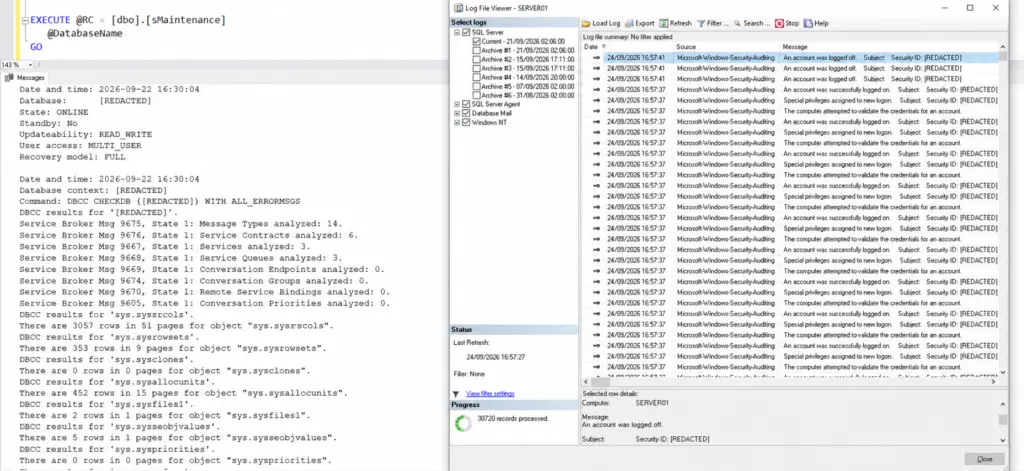
The database usually came with the system. A supplier built it, or a developer who has since left, and the business has run on it ever since. It sits among everything else your team looks after, and it tends to get attention when it complains and not much in between.
It works better the other way round. Someone who knows the database keeps an eye on it and checks that the backups restore. When an overnight job fails, you hear it from us before your users notice.
CDE Systems has supported SQL Server since 1999. When you ring, you speak to a consultant who does the work and who’ll get to know your database. Your team stays in charge of the servers and has the final say. We take on the part that needs a database specialist.

What people ask us to look at
- A report that used to take seconds and now takes minutes
- Blocking and timeouts, usually at the busiest time of day
- Maintenance plans and agent jobs that fail, or report success and do nothing useful
- Backups nobody has tried to restore
- SSRS reports that have stopped running or give the wrong figures
- Permissions that have grown over the years, including accounts for people who have left
- A database that keeps growing and a disk that’s running out
- An application vendor that has stopped answering, with the database still underneath it
Most of the databases we look after weren’t built by us. They came from a previous supplier, a developer who moved on, or a vendor that went quiet, and they’ve become harder to change because the knowledge left with the people. That happens to any system that stays useful for long enough, and it isn’t anyone’s fault.
What it’s like once we look after it
Say a backup job fails overnight. The alert comes to us as well as to you, and one of us looks into it and tells you what failed and what’s being done about it. If a disk is filling up, you hear that from us well before it’s full.
The everyday requests get done too, like the new report finance wants or the permissions for a new starter. So does the change the application vendor never got round to. After a while the database stops being the thing your team worries about on a Friday afternoon.
How we get there
- We find out what’s there. The schema, the dependencies, the jobs, which applications talk to it and what is calling what. We look for whatever is most likely to cause trouble next, then write it all up, and the write-up is yours.
- Then you’ve got someone to ring. It’s a small team, so you speak to the same consultants each time, and they already know how your system fits together.
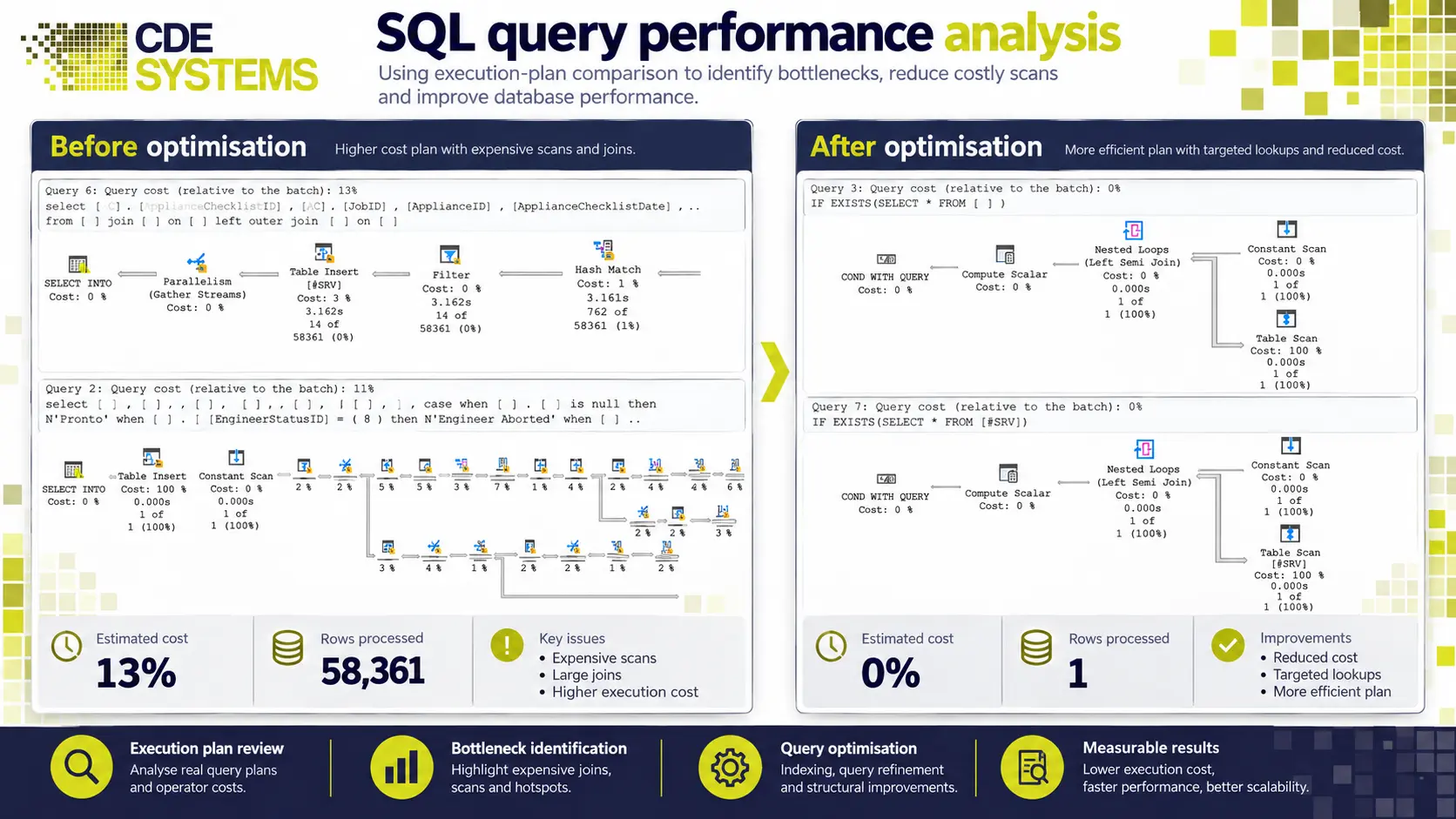
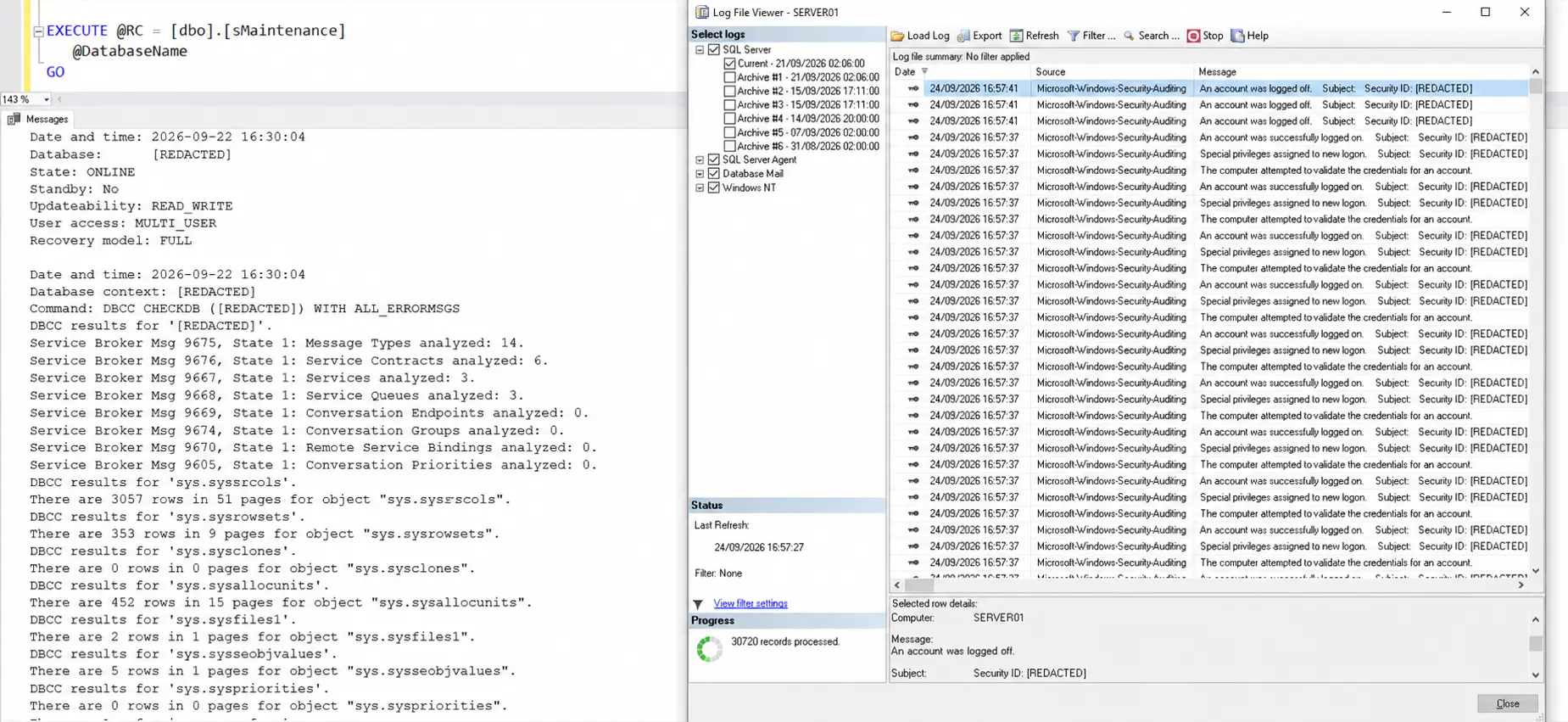
- We do the routine checks. Backups tested by restoring them, because a job that shows green isn’t the same as a backup that works. Maintenance plans checked against what they’re meant to do. Failed jobs alerted on. Security and permissions reviewed. Growth tracked so capacity is planned. Patching and upgrades planned before they’re urgent.
- We fix things and change things. Most calls aren’t about something breaking. Small changes usually go through quickly, and bigger ones are scoped and priced first so you can decide whether they’re worth doing.
- We set new servers up right. New installations, new versions, new hardware or a new host. Instance configuration, storage layout, memory and tempdb, maintenance and backups from day one, and a check on licensing before you buy.
Working alongside an IT team
We connect by remote support, and your side stays in control of it. Sessions are attended by default, you can end one at any moment by closing the program, and nothing is left installed when it finishes.
If your policy needs a named engineer, an agreed time window, someone from your team supervising or a written record of what was changed, tell us and we’ll work to it. Work that needs everyone out of the database, such as large index rebuilds or a migration, gets scheduled for evenings or weekends. How remote support works
How it’s charged
There are two ways to have us look after a system, and you’re dealing with the same people whichever one you choose.
ManagedWe take responsibility for keeping it running: monitoring, tested backups, maintenance, and problems raised before your users find them
| Arrangement | How it works |
|---|---|
| Support agreement | An agreed allowance of support time each month, with a defined response commitment for faults, fixes and smaller changes. |
The first conversation, where you describe the system and we tell you what we’d suggest, costs nothing.
Will you want to take it over?
No. We’d sooner your team came out of it knowing more about the database than it did before. The documentation and the data are yours, and nothing goes live without your say-so.
At ACC Worldwide, our work on the SQL Server environment made the system faster and left ACC’s own IT team with logging and monitoring they run themselves, so they can keep developing it without us.
Systems we’ve looked after
“No problem is too small or large and when they say they will get back to you, they do – quickly.” Aire Valley Catering, whose Access and SQL Server system we support
When several customer databases at a software provider were damaged and wouldn’t open, we recovered the audit and customer records and got those systems back into service. How that recovery was done
 Commercial Catering Service & Maintenance (field service)
Aire Valley Catering
Field service apps that work with no signal
Aire Valley Catering’s engineers work in commercial kitchens across the UK, often with no usable signal, and every job still has to be recorded. We built four production…
View case study
Commercial Catering Service & Maintenance (field service)
Aire Valley Catering
Field service apps that work with no signal
Aire Valley Catering’s engineers work in commercial kitchens across the UK, often with no usable signal, and every job still has to be recorded. We built four production…
View case study
 Transport and logistics
ACC Worldwide
A faster SQL Server system, noticed on day one
ACC Worldwide’s staff used one business system all day, every day, and it was slow. We worked on the SQL Server environment behind it. The speed-up was immediate,…
View case study
Transport and logistics
ACC Worldwide
A faster SQL Server system, noticed on day one
ACC Worldwide’s staff used one business system all day, every day, and it was slow. We worked on the SQL Server environment behind it. The speed-up was immediate,…
View case study
 Travel and leisure (adventure travel and expeditions)
Jagged Globe
Keeping bookings, customer records and the website in step
Jagged Globe runs on an internal database and a booking website that have to agree every day, and sometimes they didn’t. We traced and fixed the transfers between…
View case study
Travel and leisure (adventure travel and expeditions)
Jagged Globe
Keeping bookings, customer records and the website in step
Jagged Globe runs on an internal database and a booking website that have to agree every day, and sometimes they didn’t. We traced and fixed the transfers between…
View case study
Tell us what the database is doing
Which application sits on it, what’s going wrong, and what has changed recently. We’ll come back with what we’d do and what it would cost.
If the server is down or the business has stopped, don’t fill in a form. Ring, and see emergency SQL Server support. For corruption or a failed restore, see SQL Server repair and recovery. Not SQL Server? Try Microsoft Access support.