
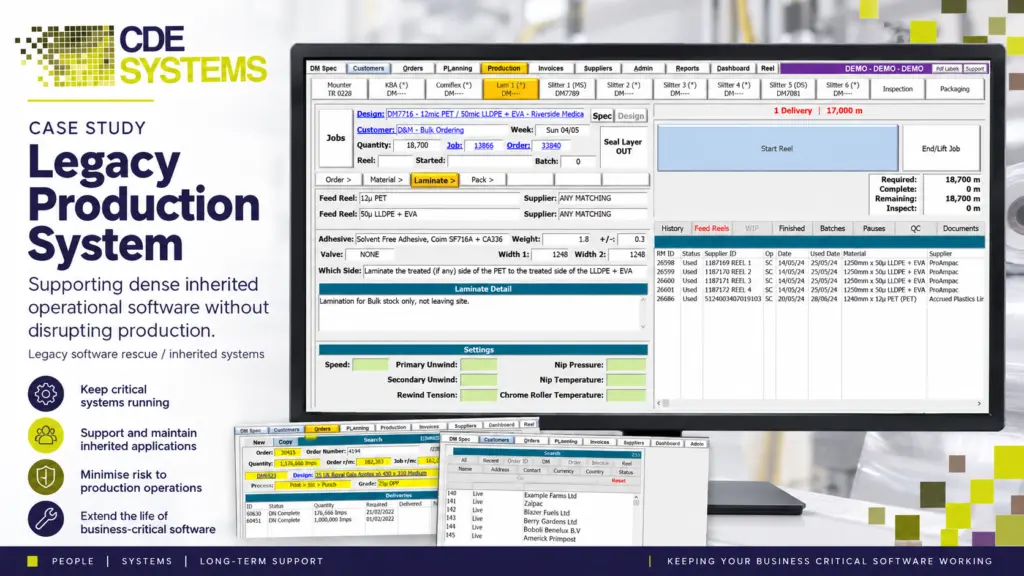
The software was written years ago, by an employee, a contractor or a company that’s no longer around. It still does its job, and the business depends on it. But nobody fully understands how it works, the documentation is thin or missing, and every change feels like a risk somebody is taking personally.
That gets harder the longer it’s left. Problems take longer to fix, changes cost more, and the knowledge of how it works sits in one person’s head, or nowhere at all.
CDE Systems takes on systems like this. We get to know it first, before recommending anything, and write down what we find so the knowledge belongs to the business. You didn’t build it, and you don’t have to fix it yourself.
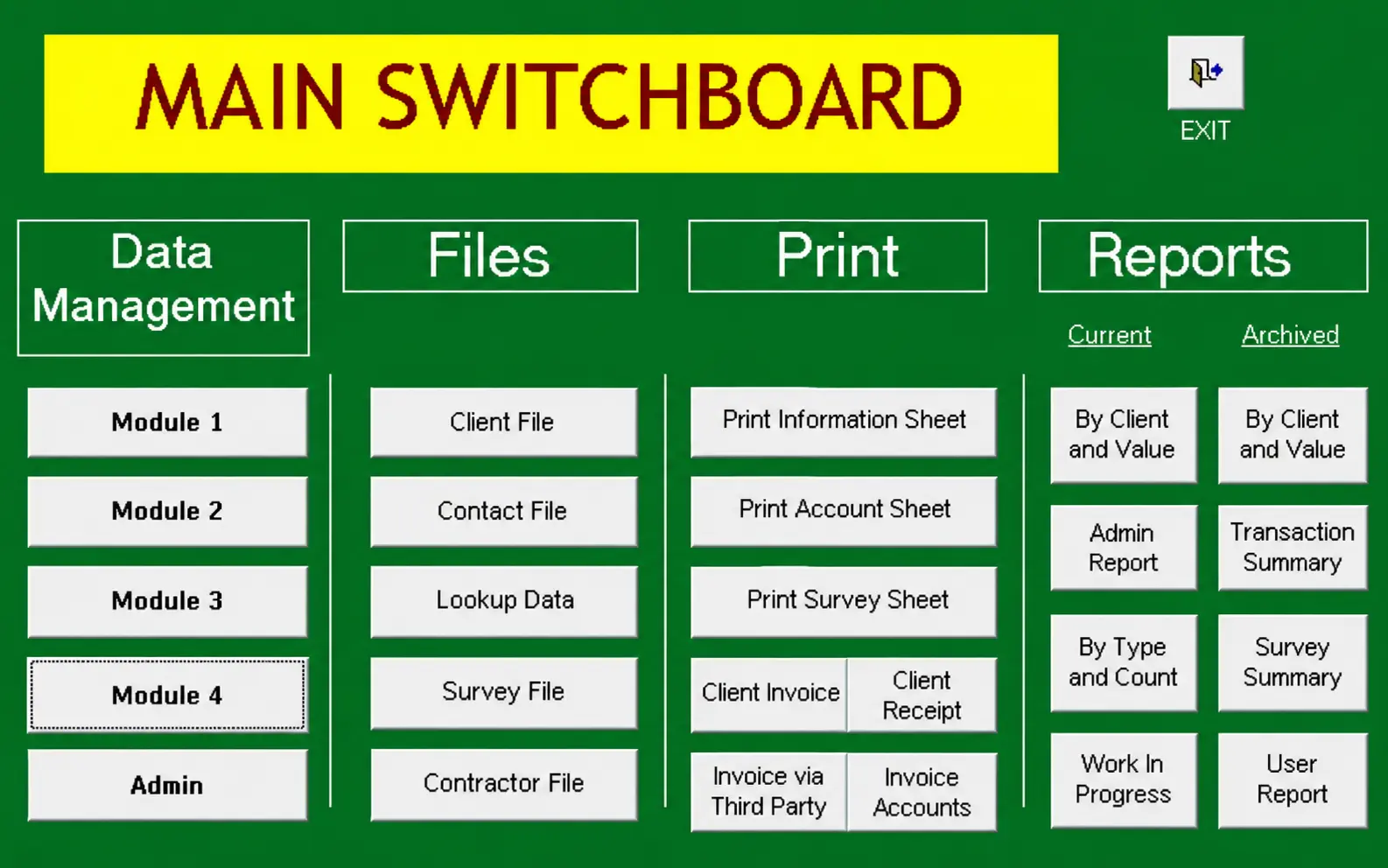
Is this where you are?
- The original developer has left, or the supplier has stopped answering
- Nobody can say for certain how it works
- Changes take longer and cost more each time
- Documentation is incomplete, or there isn’t any
- It’s slower than it used to be
- It became essential to the business almost by accident
- It feels fragile, and people are careful around it
It’s one of the most common situations we’re called into. Systems that have run for years build up this kind of history, and it isn’t a judgement on whoever built it or whoever has been keeping it going.
Why waiting makes it harder
When an inherited system starts causing trouble, the instinct is to replace it. But these systems hold years of business knowledge that was never written down anywhere else. A replacement project has to rediscover all of it, and usually finds the important parts around month five.
Leaving it alone has a cost too. Each workaround makes the next problem harder to trace. The worst time to start understanding a system is the week it stops working, and the earlier you look, the more choices you have.
Five steps, in this order
1. Understand it. We go through how the application is put together, where the data lives and how it’s structured. We look at the reports, the links to other systems and the way staff use it day to day. Then we read the code and the customisations added over the years.
2. Stabilise it. Inherited systems carry problems that were worked around and never fixed. We deal with the performance problems, database faults, errors and security gaps, so the business has something it can rely on while it decides what’s next.
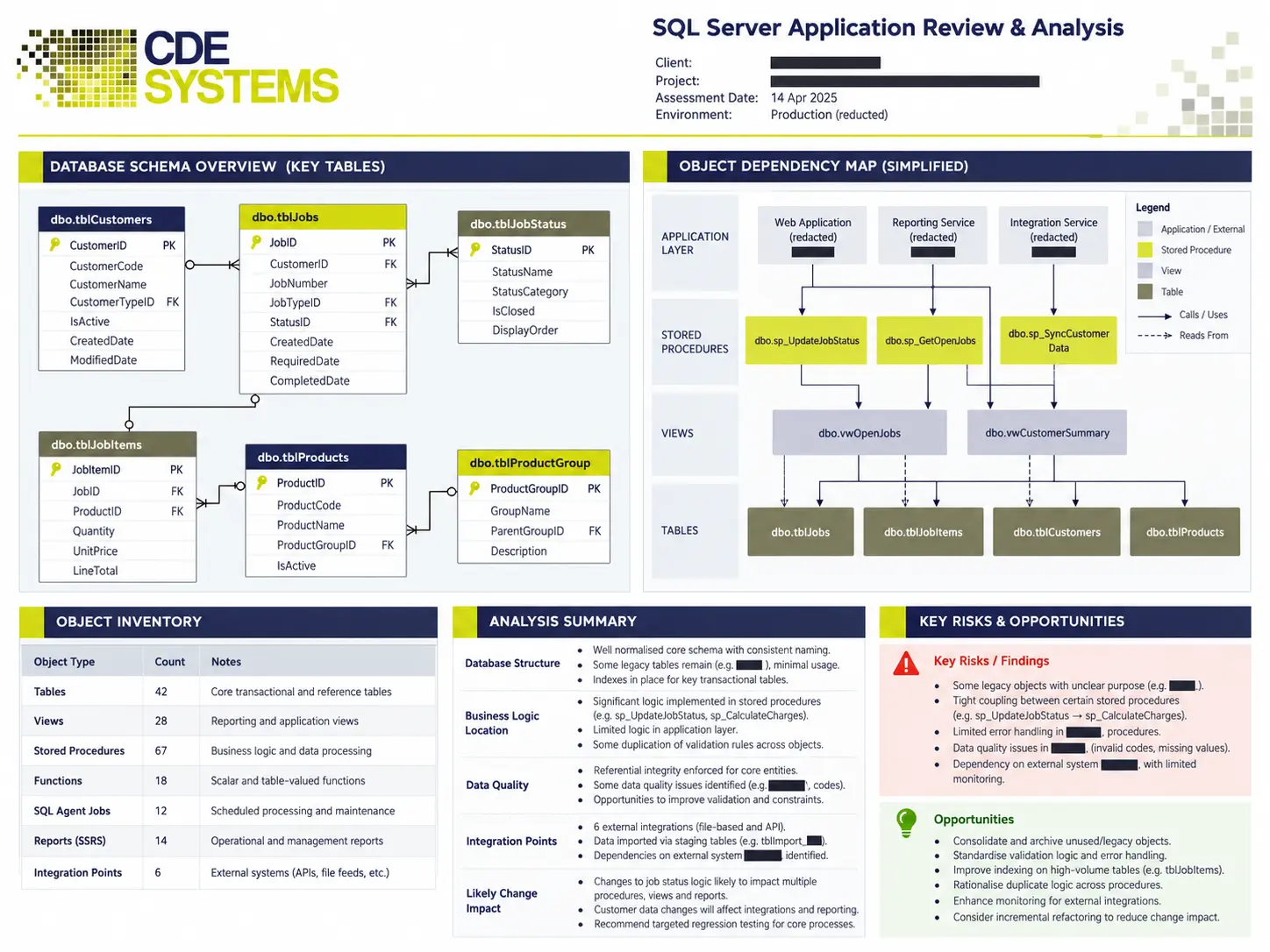
3. Write it down. Missing documentation is usually the biggest single risk. We document what the system does, how it’s built, the database structure, the business rules and how to support it.
4. Look after it. Telephone and remote support, fixes, changes and long-term maintenance. When something goes wrong, you speak to someone who knows both the technology and why the business does it that way.
5. Improve it. Once it’s stable, it can be added to. That might be better reporting, a web interface, a mobile app, a link to your other systems or a newer database underneath.
Web applications · Mobile apps · Reporting and business intelligence
What we take on
- Microsoft Access databases
- SQL Server applications
- Bespoke business software, whoever wrote it
- Departmental systems that grew beyond the department
- Desktop applications in VB6, VBA, Delphi, WinForms, classic ASP and older .NET
- Web applications on frameworks that are no longer supported
- MySQL and other databases behind inherited applications
Five years old or twenty-five, we start the same way, by understanding what’s there before suggesting any change.
One awkward question, early
Do you have the source code?
Plenty of businesses find that what they own is an installed program and a database. The source code left with the developer, or sits with a company that has since been dissolved. It’s better to find that out in the first conversation than three months in.
It isn’t the end of the road. A lot can still be done with the database, the data and the interfaces around the program, even where the program itself can’t be changed. There are also ways to rebuild the parts that matter most. It does change what’s possible and what it costs.
The same goes for licences, server access, domain names and who holds the backups. Inherited systems tend to come with gaps in the paperwork too.
Where to start
You don’t need to commit to a programme of work to get somewhere useful.
We’ll go through the system and give you a written account of it. It covers how it’s built, where the data lives, what the business rules are, what’s at risk and what your realistic options are.
That document is yours. It’s useful whether you carry on with us, take it in-house or hand it to someone else, and it turns every quote that follows into a real figure. Most rescue work starts there, and for a lot of clients it was all they needed.
Something to send your manager
Legacy software rescue: a first step
The [system name] was built by [who] and is no longer supported by them. CDE Systems, a Sheffield database specialist trading since 1999, can review it and give us a written account. The account covers how it’s built, where the data is, what the risks are and what our options are. The document is ours to keep, whoever does any work afterwards.
Contact: 0114 249 1036
When replacing it is the right call
Sometimes the honest answer is to replace it. If the platform is out of support and can’t be secured, or the data model can’t carry what the business now does, we’ll say so. The same applies if keeping it running would cost more than starting again.
Then the job is to replace it in stages, with the old system running until the new one has earned its place. The written account from the review makes that much safer, because the new system is built against what the old one does.
Inherited systems we look after
 Commercial Catering Service & Maintenance (field service)
Aire Valley Catering
Field service apps that work with no signal
Aire Valley Catering’s engineers work in commercial kitchens across the UK, often with no usable signal, and every job still has to be recorded. We built four production…
View case study
Commercial Catering Service & Maintenance (field service)
Aire Valley Catering
Field service apps that work with no signal
Aire Valley Catering’s engineers work in commercial kitchens across the UK, often with no usable signal, and every job still has to be recorded. We built four production…
View case study
 Transport and logistics
ACC Worldwide
A faster SQL Server system, noticed on day one
ACC Worldwide’s staff used one business system all day, every day, and it was slow. We worked on the SQL Server environment behind it. The speed-up was immediate,…
View case study
Transport and logistics
ACC Worldwide
A faster SQL Server system, noticed on day one
ACC Worldwide’s staff used one business system all day, every day, and it was slow. We worked on the SQL Server environment behind it. The speed-up was immediate,…
View case study
 Travel and leisure (adventure travel and expeditions)
Jagged Globe
Keeping bookings, customer records and the website in step
Jagged Globe runs on an internal database and a booking website that have to agree every day, and sometimes they didn’t. We traced and fixed the transfers between…
View case study
Travel and leisure (adventure travel and expeditions)
Jagged Globe
Keeping bookings, customer records and the website in step
Jagged Globe runs on an internal database and a booking website that have to agree every day, and sometimes they didn’t. We traced and fixed the transfers between…
View case study
Tell us what you’ve inherited
What the system does, who built it, and what’s going wrong or worrying you. It doesn’t matter if you can’t say what it’s written in. We’ll come back with what’s involved and what the first step would cost, including whether you need us at all.